
 Support Ukraine’s Army
 Youtube
 Facebook
iOS 26 Beta — improve Liquid Glass legibility
en
30 July 2025 15:55
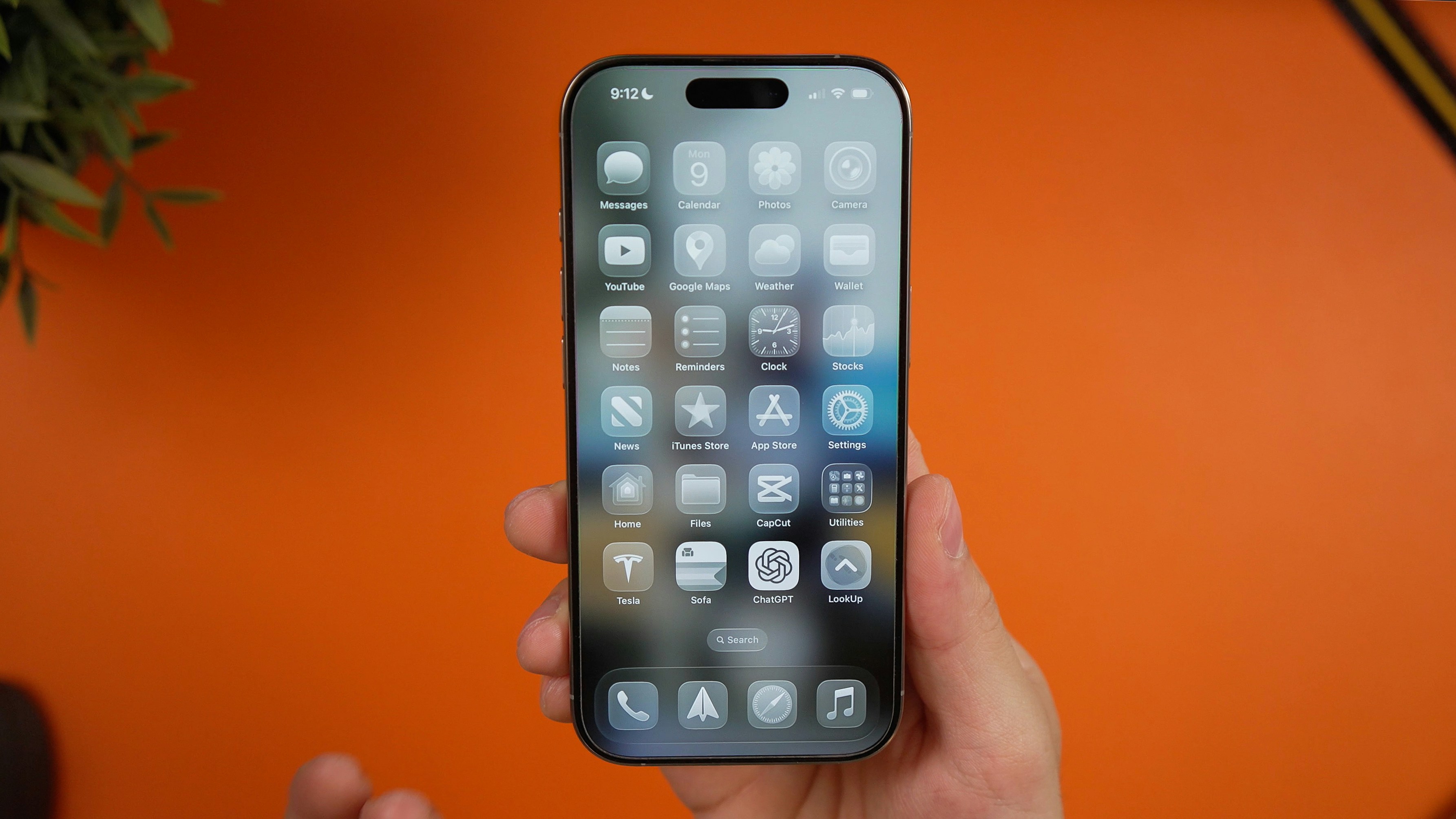
Apple's iOS 26 Beta Running on an iPhone 16 Pro with Liquid Glass Look. Photo: Unsplash
Apple released the first public beta of iOS 26 on July 24. The beta brings a Liquid Glass design to the iPhones of developers and beta testers. However, many users are struggling with the new feature, looking for the ways to enhance the readability.
This was reported by CNET.
Advertisement
Make iOS 26 Liquid Glass easier to read
During the iOS 26 beta process, Apple tweaked Liquid Glass to improve legibility by adding a more frosted look. Fortunately, you can adjust the Liquid Glass design in just a few steps to significantly reduce its transparency.
How to adjust Liquid Glass
- Open Settings.
- Tap Accessibility.
- Tap Display & Text Size.
- Tap the toggle for Reduce Transparency.
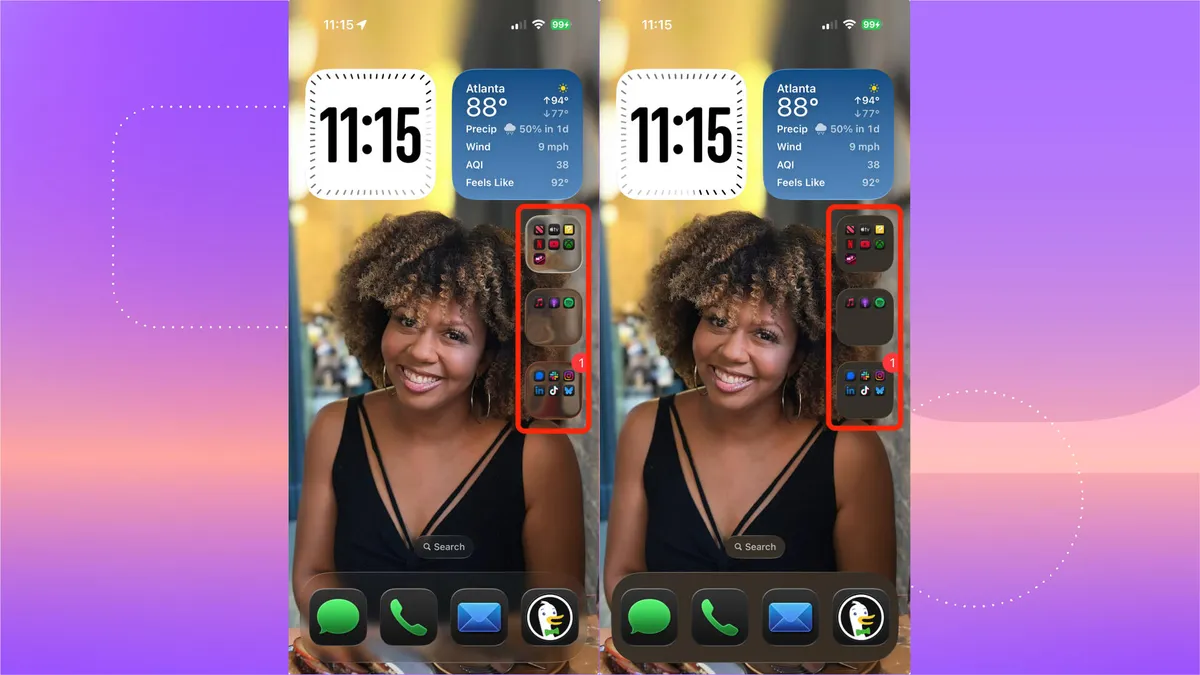
In the Display & Text Size menu, you can tap the toggle next to Increase Contrast to make Liquid Glass elements stand out.
Read also: